
What Is the MyLog PDF Report and When Should You Use It?
One of the questions we hear most often from new MyLog users is some version of this:
The PDF export…What is it exactly, and when do I actually use it?
It is a fair question. Most people come to MyLog to solve a daily problem: they need somewhere to record what is happening with their whānau member’s care. The PDF report can feel like a bonus feature they will deal with later.
The reality is that the report is often the most important thing MyLog produces. Here is what it is, what it contains, and when it matters most.
What is the PDF Summary?
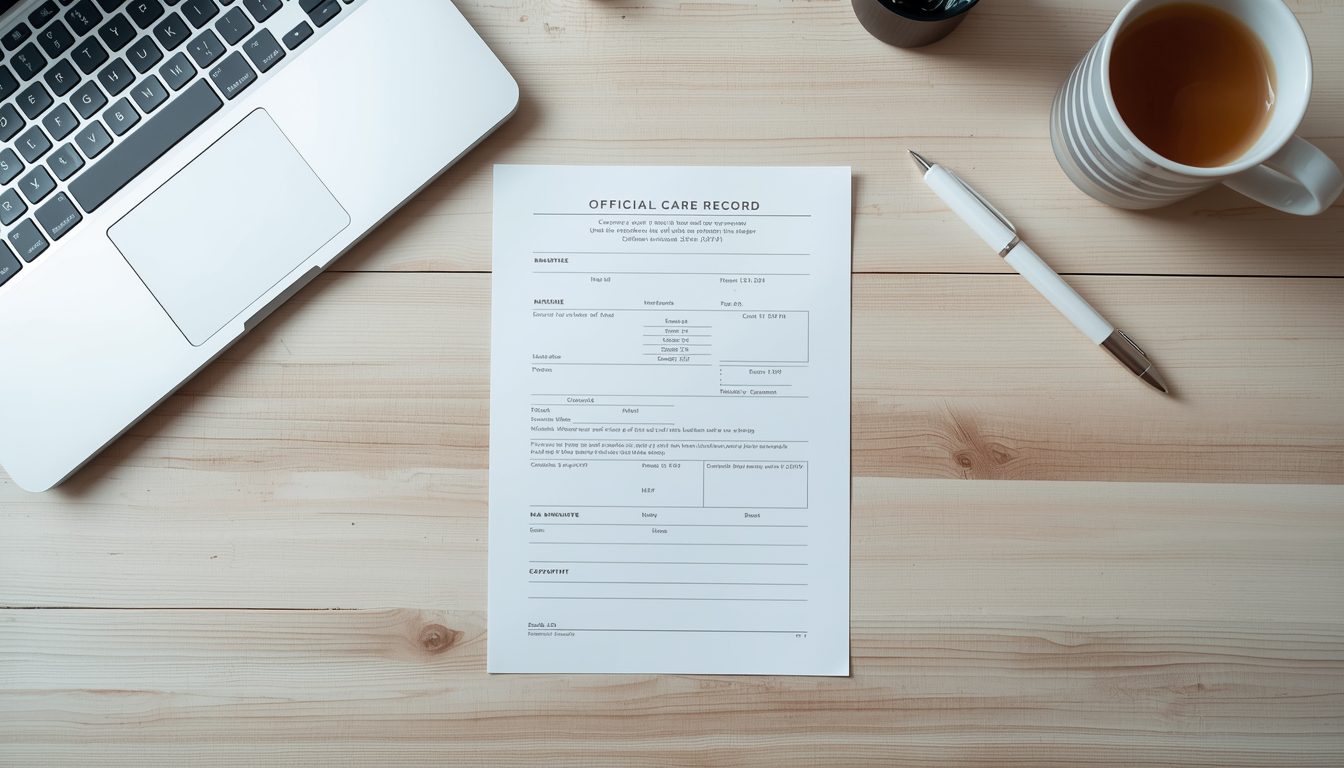
When you export a PDF report from MyLog, you get a structured document that compiles your care diary entries over a selected time period.
The report is dated. It shows who made each entry – whether that was you, a support worker, or another family member. It presents observations in chronological order. And it gives anyone reading it, an assessor, a coordinator, a GP, a lawyer – a clear, verifiable picture of what daily care has looked like over time.
It is not a summary you wrote the night before a meeting. It is a contemporaneous record – meaning it was created as things happened, not reconstructed from memory afterward. In assessment contexts, that distinction matters significantly.
When to use it?
- Before a NASC assessment or reassessment. This is the most common use case. When a Needs Assessment and Service Coordination meeting is coming up, bringing a PDF report that covers the past three to six months gives the assessor real, dated evidence of what support looks like, what needs are present, and how they manifest day to day.
- During a Whaikaha funding review. The new Whaikaha purchasing guidelines have increased the documentation burden on families. A PDF report that shows patterns of need over time is exactly the kind of evidence that supports a funding level or requests an increase.
- When raising concerns with a GP or specialist. Clinicians see your whānau member for short appointments. They miss everything in between. A PDF report gives them a longitudinal view that a verbal summary in a consultation room cannot.
- When transitioning between providers or support workers. A PDF covering the previous three to six months is the most useful onboarding document you can give a new worker or a new provider. They understand the person’s patterns immediately rather than starting from scratch.
- If you need to make a complaint or raise a safeguarding concern. A dated, multi-contributor care diary is evidence. If something has gone wrong and you need to demonstrate what was happening over time, the PDF report is the document your advocate or lawyer will want.
- When applying to WINZ for Supported Living Payment or Disability Allowance. WINZ asks for evidence of ongoing need. A care diary PDF, especially one spanning several months, is a stronger submission than a letter you have written yourself.
How to generate it?
From your MyLog dashboard, select the date range you want to cover and export. The document generates immediately. You can save it, print it, email it, or attach it to an online application.
There is no additional cost. PDF export is included in all MyLog plans.
A practical recommendation
Do not wait for a review or assessment to start thinking about your PDF report.
Start your MyLog diary now. Log entries consistently – even brief ones. After 30 days, generate a PDF just to see what it looks like. You will understand immediately why it matters.
When the review arrives and in New Zealand’s disability support system, it always does, you will have months of evidence ready rather than days.